
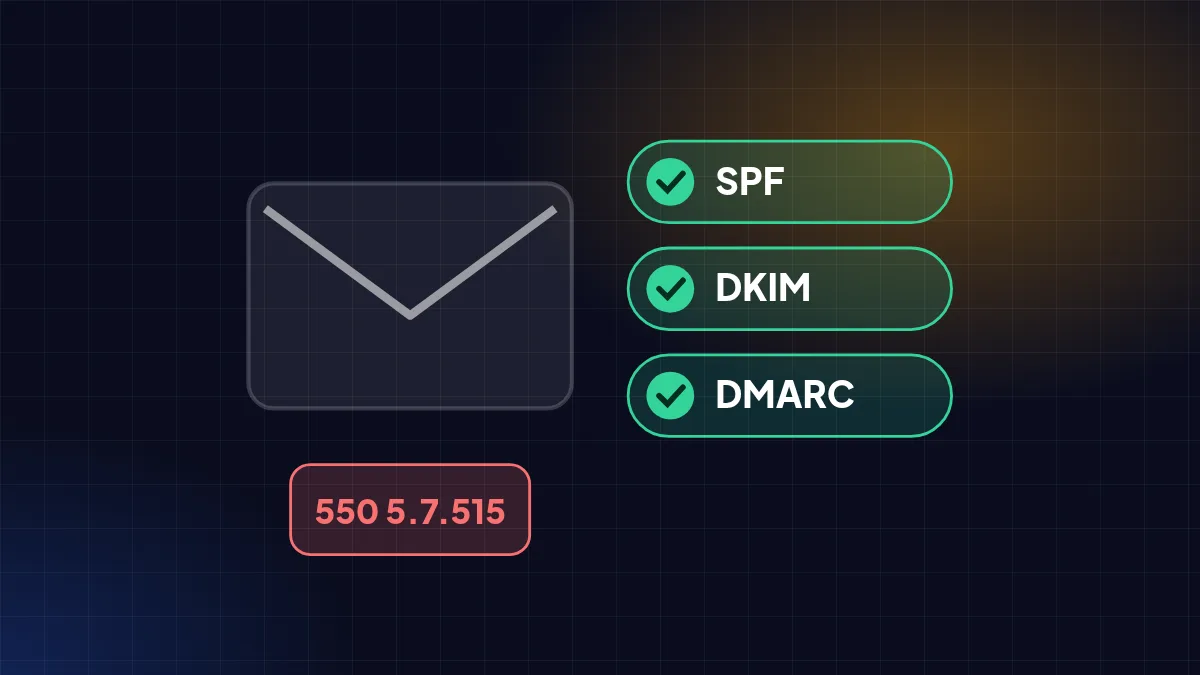
Since November 2025 Gmail rejects non-compliant mail, and Outlook has enforced similar rules since May 2025. Your business email needs checking.
Quotes that never arrive, invoices landing in spam, replies to customers bouncing with strange codes — the cause is often the same: the sending domain has not published SPF, DKIM, and DMARC. The largest mailbox providers no longer just move such mail to spam; they reject it.
SPF, DKIM, DMARC in one minute
| Record | What it does |
|---|---|
| SPF | Lists the servers allowed to send email on behalf of your domain. |
| DKIM | A digital signature on each email, proving it came from your domain and was not altered. |
| DMARC | A policy telling receivers what to do when SPF/DKIM fail (allow, spam, or reject), plus reports to you. |
The rules by provider
| Provider | Since | Core rule |
|---|---|---|
| Gmail | Feb 2024; stricter enforcement from Nov 2025 | All senders must meet basic requirements. Senders of ≥5,000 emails/day need SPF, DKIM, DMARC, one-click unsubscribe, and spam complaints <0.1%. |
| Yahoo | Feb 2024 | All senders: SPF or DKIM and valid reverse DNS. Bulk senders: SPF and DKIM, DMARC, unsubscribes honoured within 2 days. |
| Outlook.com | 5 May 2025 | Senders of >5,000 emails/day need SPF, DKIM, DMARC; failures go to junk, then are rejected with 550 5.7.515. |
Google says that since November 2025 Gmail is "ramping up enforcement": non-compliant mail may be temporarily rejected (4.7.x codes), permanently rejected (5.7.x), or sent to spam (Google sender guidelines, Spam Resource write-up). Yahoo's rules are on the Yahoo Sender Hub, and Microsoft's on the Outlook.com postmaster policies.
Does this affect small businesses?
Yes. The 5,000-a-day threshold triggers *extra* requirements, but Gmail's basic requirements apply to all senders — including Google Workspace or Microsoft 365 users on their own domain. Once your domain is classed as a bulk sender, that status is permanent.
How to check and fix
- Make sure there is one SPF record (starting with
v=spf1) listing all your sending services — office email, invoicing app, newsletter service. - Turn on DKIM in your email admin (Google Workspace, Microsoft 365, etc.), then publish its DNS record.
- Add DMARC, starting with
v=DMARC1; p=none; rua=mailto:[email protected]to monitor, then tighten toquarantineandrejectonce reports are clean. - For newsletters, provide a one-click unsubscribe link and honour requests within 2 days.
- Send a test email to a Gmail account, open Show original, and confirm SPF, DKIM, and DMARC say PASS.
FAQ
Is DMARC p=none enough? For the basic requirements, yes. But p=none does not protect your domain from spoofing; tighten it gradually after confirming all legitimate senders pass.
What does 550 5.7.515 mean? Outlook.com rejected the email because the sending domain does not meet authentication requirements — check your SPF, DKIM, and DMARC.
Sources
- Email sender guidelines — Google Workspace Admin Help — support.google.com
- Google warns about sender requirements enforcement — Spam Resource — spamresource.com
- Sender best practices — Yahoo Sender Hub — senders.yahooinc.com
- Outlook.com postmaster policies — Microsoft — substrate.office.com
Written from the sources above as of 31 October 2026. Third-party policies and figures can change — check the original sources for the latest.
All news