
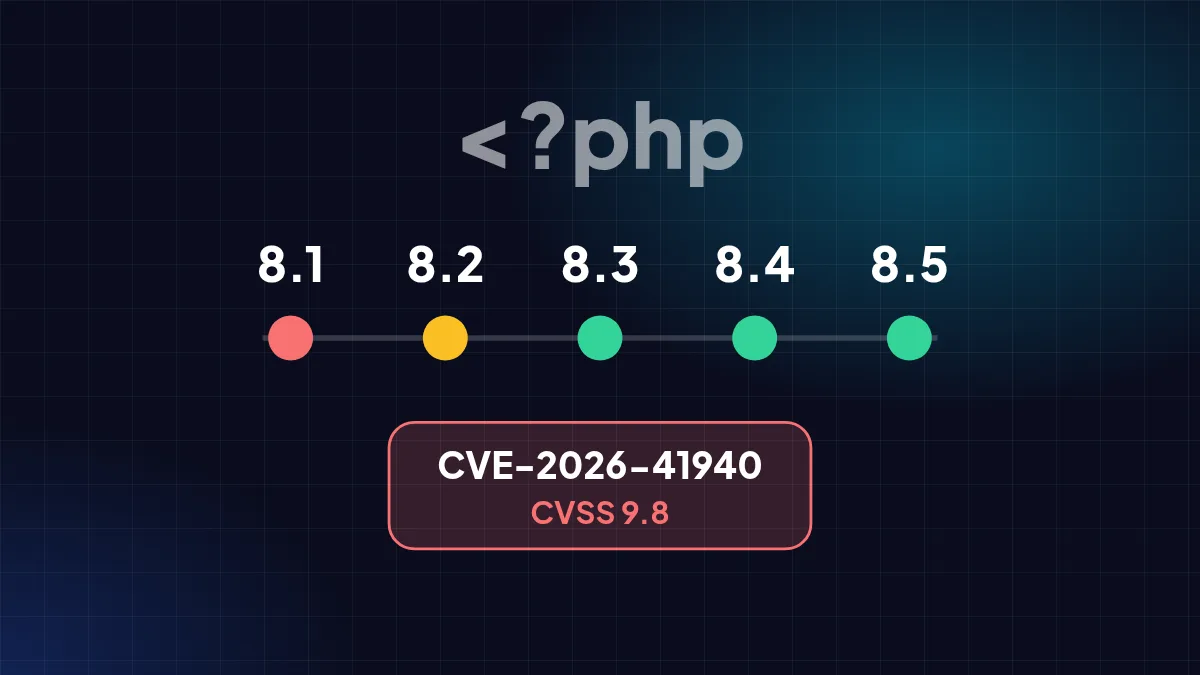
Two reasons to check your hosting now: a PHP version about to lose security updates, and a CVSS 9.8 flaw in cPanel/WHM.
Most small business websites — especially WordPress sites — run on PHP and are managed through cPanel. Two pieces of news need attention before year end: PHP 8.2 is about to stop receiving security updates, and a critical cPanel/WHM flaw is already being exploited.
PHP support schedule
Each PHP version gets two years of active support, then two years of security fixes only. After that it receives no patches at all, even when new vulnerabilities are found. According to the official php.net schedule:
| Version | Status | Security support until |
|---|---|---|
| PHP 8.1 | Ended | 31 Dec 2025 |
| PHP 8.2 | Security fixes only | 31 Dec 2026 |
| PHP 8.3 | Security fixes only | End of 2027 |
| PHP 8.4 | Supported | End of 2028 |
| PHP 8.5 | Supported | End of 2029 |
cPanel/WHM flaw CVE-2026-41940
cPanel patched CVE-2026-41940 on 28 April 2026. The flaw lets attackers bypass login (*authentication bypass*), is rated CVSS 9.8 out of 10, and has been actively exploited — possibly since late February, before a patch existed (Arctic Wolf). Unpatched servers risk being taken over completely.
WordPress plugins remain the main entry point
Patchstack's annual report recorded a jump in vulnerabilities across the WordPress ecosystem during 2025. Almost all were in plugins rather than WordPress core — and many had no patch when disclosed. Sites with many rarely updated plugins are the easiest targets.
What is at risk
- Your site gets hacked and injected with gambling or phishing pages — which on .id domains can lead to suspension.
- Customer data is stolen, which from 2027 must be reported within 3×24 hours under PP 33/2026.
- Your server is used to send spam, so mailbox providers start rejecting your legitimate email.
Your hosting checklist
- Check your PHP version in the hosting panel (*Select PHP Version* or *MultiPHP Manager*).
- Upgrade to PHP 8.3 or 8.4 — test on a staging copy first, as old plugins may be incompatible.
- Ask your hosting provider whether cPanel/WHM was updated after 28 April 2026.
- Remove unused plugins and themes; turn on automatic updates for the rest.
- Keep backups somewhere separate from your hosting server, and test restoring them now and then.
Sources
- Supported Versions — PHP — php.net
- CVE-2026-41940: cPanel & WHM authentication bypass — Arctic Wolf — arcticwolf.com
- State of WordPress Security in 2026 — Patchstack — patchstack.com
Written from the sources above as of 31 October 2026. Third-party policies and figures can change — check the original sources for the latest.
All news